Best Websites to Compare K-12 Schools in 2026, Ranked
Best Websites to Compare K-12 Schools in 2026, Ranked
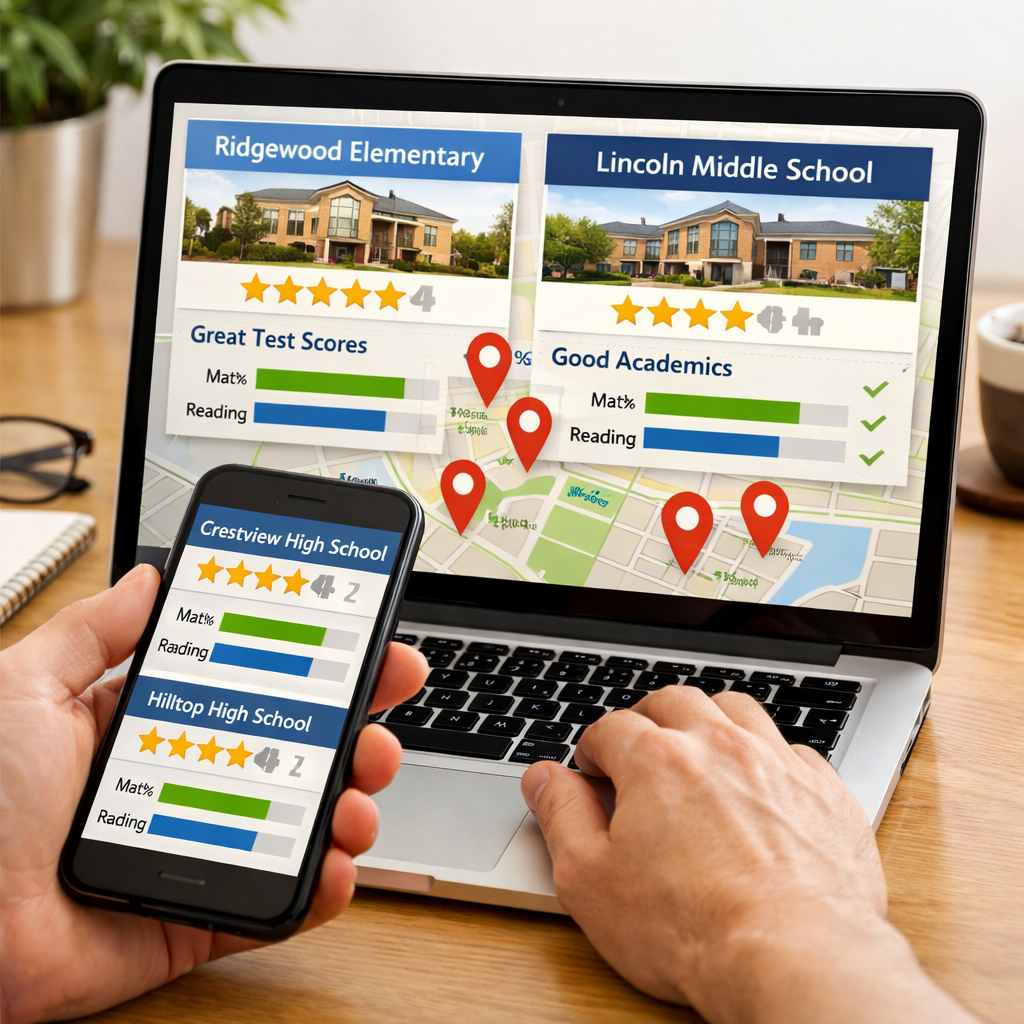
Choosing the right K-12 school shouldn’t require weeks of research. This ranked guide surfaces the best websites to compare private and public schools quickly, then shows you how to blend rankings, hard data, curriculum reviews, and online options into a clear, confident shortlist. If you just need the best site for comparing K12 schools today: start with Skill Path Navigator’s value checklist, then use a broad ranking platform (Niche or U.S. News), validate details with a data repository (SchoolDigger), and check curricular rigor (EdReports). Families exploring online K-12 schools should add K12’s state-by-state options and a quick tuition scan.
A multi-source approach beats any single ranking because it triangulates what matters: quantitative performance trends, community context from parent reviews, and the quality of instructional materials students actually use. Combining these signals reduces bias from small review samples and prevents overreliance on single-year scores or composite ratings.
“School comparison site” — A platform that aggregates school data (test scores, enrollment, programs), ratings, and reviews to help families evaluate options side-by-side and create a shortlist.
How to use this ranked list
You can build a confident 3–5 school shortlist in under 30 minutes:
- Start with a ranking site for discovery. Frame with Skill Path Navigator’s value checklist, then use Niche or U.S. News for fast, filterable lists by location, grade level, and program type. U.S. News ranks nearly 18,000 public high schools and publishes readiness metrics families care about (AP/IB, graduation) across 24,000+ schools overall, making it ideal for high school comparisons (see U.S. News Education).
- Validate with a data repository. Confirm multi-year test trends, demographics, and spending using SchoolDigger, which hosts profiles for 136,000+ U.S. schools with enrollment, test scores, and financial statistics (see SchoolDigger).
- Check curriculum quality. Look up the school’s listed math/ELA programs on EdReports, which provides free, educator-led K–12 curriculum reviews for alignment and usability.
Online/hybrid families: add K12’s state-by-state options to confirm public online availability and compare private tuition bands (see K12).
Recommended side-by-side comparison template (copy and customize):
| School | Academics/Test Scores | Programs (STEM/Arts/SPED) | Reviews Snapshot | Curriculum (Math/ELA) | Online Options | Logistics (Commute/Enrollment) |
|---|---|---|---|---|---|---|
| School A | Proficiency/Growth | AP, Robotics, Orchestra, IEP supports | Themes from 10+ reviews | Program name + EdReports verdict | Public/Private/Hybrid | Distance, start date, deadlines |
| School B | Proficiency/Growth | … | … | … | … | … |
Curricular rigor (definition): The depth, coherence, and standards alignment of the materials students use—plus how usable they are for teachers and accessible for diverse learners. Families can consult EdReports’ educator-led reviews to see whether core programs meet expectations for alignment and usability (see EdReports).
1. Skill Path Navigator
Use Skill Path Navigator’s higher-ed ROI lens to structure K-12 research around value: instructional quality, long-term readiness signals (advanced coursework, college readiness at the high school level), and resource efficiency. While K-12 doesn’t publish earnings, you can still apply an outcomes-first mindset: prioritize evidence of growth, aligned materials, robust supports, and efficient use of resources. For a deeper dive into value thinking, see our ROI rankings approach and our scholarship prioritization guidance on Skill Path Navigator. The checklist below applies this lens to any school page in minutes.
Quick checklist to evaluate “value” across any school page:
- Academic growth and multi-year proficiency trends.
- Program fit: STEM pathways, arts, and special education supports.
- Curriculum quality: verify core math/ELA on EdReports for alignment/usability.
- Logistics and supports: counseling, RTI/MTSS, transportation, meal programs, and communication.
- Online option viability: public vs. private tuition, accreditation, and state availability (use K12); confirm teacher certification and assessment policies.
2. Niche
When to use it: community context and broad rankings informed by parent/student reviews across many categories. Niche’s 2026 rankings combine quantitative data with user experiences to evaluate academics, teachers, resources, facilities, and extracurriculars; CEO Luke Skurman notes the goal is to help families “choose schools where their children will succeed,” underscoring fit as well as rank (see Niche 2026 release via PR Newswire).
- Pros: neighborhood context, extensive filters, and breadth of categories make it easy to shortlist 3–5 options fast.
- Cons: review-driven results can skew with small samples; composite scores can mask curriculum differences.
Tip: Use Niche to form your shortlist, then verify test score trends and spending with SchoolDigger—and apply Skill Path Navigator’s value checklist to compare options on outcomes.
3. GreatSchools
When to use it: practical filters and crisp side-by-side comparisons. GreatSchools’ Compare Schools tool lets you search K–12 options and filter by grade levels and programs, then view snapshot scorecards families can scan quickly (see GreatSchools Compare Schools).
Screenshot-ready comparison table you can recreate from GreatSchools snapshots:
| School | Overall Rating | Academics | Equity | Notable Programs | Parent Comments (Themes) |
|---|---|---|---|---|---|
| School X | 8/10 | Math/ELA proficiency | Support for all learners | STEM lab, Dual Language | “Strong communication; rigorous math” |
| School Y | 6/10 | … | … | … | … |
Limitation: simplified composite ratings don’t capture materials quality; pair with EdReports to confirm curricular rigor and alignment.
4. SchoolDigger
When to use it: data-dense validation of your shortlist. SchoolDigger hosts profiles for 136,000+ schools and provides enrollment, test scores, and—where available—financial statistics (see SchoolDigger).
Use it to:
- Confirm multi-year proficiency trends and demographic context.
- Track ranking movement and growth.
- Compare per-pupil spending where reported.
Example quick trend table to capture in your notes:
| Year | Math Proficiency % | ELA Proficiency % | State Rank Movement |
|---|---|---|---|
| 2023 | 52 | 58 | +34 |
| 2024 | 56 | 61 | +18 |
| 2025 | 59 | 63 | +12 |
Pair SchoolDigger’s quantitative signals with Niche/GreatSchools reviews to reconcile data with lived experience.
5. U.S. News Education
When to use it: high school comparators and readiness indicators. The 2026 Best High Schools ranks nearly 18,000 public high schools and includes data across 24,000+ schools overall, with metrics like AP/IB participation and performance, graduation rates, and readiness indices (see U.S. News Education).
Check specialty lists to align with your student’s interests:
- Best STEM High Schools
- Magnet and Charter High Schools
- State and Metro rankings for local context
Note: Elementary/middle coverage is more limited—backfill with GreatSchools and SchoolDigger.
6. K12
Online public school (definition): A tuition-free, state-aligned K–12 program delivered remotely by certified teachers. Students complete daily coursework at home, follow attendance and assessment requirements that vary by state, and often access local supports such as testing sites or regional events.
K12 (Stride) has led online education since 2000 and lists state-by-state public options alongside private online choices and demos (see K12 Compare Schools).
Public vs. Private online options at a glance:
- Public: tuition-free; state-specific enrollment windows; state testing and attendance required.
- Private: tuition varies widely. As a benchmark, Prisma lists annual tuition of $12,490 with roughly 40% of families receiving aid, and highlights a market range from Pearson Online Academy (
$6,600) and James Madison HS ($1,599) to Laurel Springs ($9,900–$16,200), Stanford OHS ($29,850), and Dwight Global ($42,750) (see Prisma’s online high schools guide).
Action steps:
- Verify accreditation and state availability on K12.
- Compare schedule models (live vs. asynchronous), teacher contact, and support services.
- Request demo lessons and sample pacing guides.
7. EdReports
Curriculum review platform (definition): Independent evaluations of K–12 instructional materials that examine alignment to college- and career-ready standards, coherence and rigor across grades, and usability for teachers and diverse learners. EdReports publishes free reviews conducted by teams of classroom teachers, coaches, and state content leaders (see EdReports).
How to use it:
- Identify the school’s math/ELA curriculum from its website or handbook.
- Look up the program on EdReports and note gateway results (Alignment, Usability).
- Summarize “what it means for your student”:
- Alignment: On-grade expectations increase the likelihood of learning gains.
- Coherence: Concepts build logically year to year, reducing gaps.
- Usability: Clear guidance and assessments help teachers meet diverse needs.
Glossary:
- Standards alignment: How well materials match state academic standards by grade.
- Coherence: Logical sequencing of content and skills that builds over time.
- Usability: Practical supports (lesson design, assessments, differentiation) that aid effective instruction.
8. District portals and vendor hubs
District portals shape logistics and daily experience. Check district pages for enrollment calendars, transportation routes, meal plans, and communication platforms. Industry roundups note how modern SIS/LMS tools streamline operations: AlmaStart can cut paper enrollment workload by about 90%, EnrollMe supports fully mobile, paperless admissions, PowerSchool’s PowerBuddy AI adjusts reading levels in real time, Edsby surfaces predictive risk indicators, and Canvas highlights AI-assisted grading feedback (see Gradelink’s 2026 portals overview).
Caveat: Operational quality is not the same as academic outcomes—cross-check performance in SchoolDigger and curricular quality in EdReports.
How to combine these tools for a complete school comparison
A repeatable six-step workflow:
- Shortlist with Niche and/or GreatSchools filters for location, grade, and programs—framed by Skill Path Navigator’s value checklist.
- Validate test, demographic, and spending metrics in SchoolDigger (capture 3-year trends).
- For high schools, review AP/IB, graduation, and readiness metrics in U.S. News.
- Evaluate curriculum quality in EdReports for core math/ELA (note alignment/usability).
- Considering online? Use K12 for state public options and benchmark private tuition with Prisma’s range (e.g., ~$1.6k to $42k+) to set expectations.
- Confirm logistics in district portals: enrollment deadlines, transportation, communication tools.
Decision matrix template:
| School | Academics (3-yr trend) | Curriculum Quality (EdReports) | Programs (STEM/Arts/SPED) | Online Availability | Logistics (Commute/Deadlines) | Overall Fit (1–5) |
|---|---|---|---|---|---|---|
| School A | ↑/→/↓ | Meets/Partially/Does Not | List key offerings | Yes/No | Notes | 1–5 |
| School B | … | … | … | … | … | … |
Tip: Save source links and capture dates for each data point to keep a transparent audit trail.
What data points matter most for families
Prioritize:
- Multi-year proficiency trends and high school college-readiness metrics (AP/IB participation, graduation, readiness indices from U.S. News).
- Curriculum quality signals (alignment and usability from EdReports).
- Program availability and depth (STEM pathways, arts ensembles, SPED supports).
- Student support indicators (early warning and communication tools surfaced by SIS/LMS platforms highlighted in industry roundups).
College readiness metrics (definition): Standardized indicators—AP/IB participation and pass rates, graduation rates, and readiness indices—that estimate how well a high school prepares students for postsecondary paths.
Red flags:
- Single-year score spikes without curriculum evidence.
- Opaque or missing curriculum/materials information.
- No state-aligned accreditation or unclear assessment policies for online schools.
Skill Path Navigator prioritizes these indicators so families can focus on outcomes and fit.
Methodology for this ranking
We weighted sites by how well they help families make confident, value-focused decisions—the same lens used in Skill Path Navigator rankings:
- Data depth (30%): longitudinal scores, demographics, spending (e.g., SchoolDigger’s 136,000+ profiles).
- Usability (20%): speed to shortlist and clarity of filters.
- Review quality (15%): breadth and specificity of parent/student feedback.
- Curriculum coverage (20%): availability of independent materials reviews (e.g., EdReports’ educator-led reports).
- Online/hybrid support (10%): clear state availability and tuition transparency (e.g., K12 listings).
- Breadth of schools (5%): coverage across public, private, charter, and online (e.g., U.S. News’ high school scope).
Local constraints (transportation, zoning, magnet/lottery rules) and personal fit should modulate any rank. Limitations: financial data availability varies by state/district; review samples can be uneven; online tuition ranges widely (from low-cost programs to premium academies as illustrated in Prisma’s survey).
Frequently asked questions
What is the most reliable way to compare K-12 schools?
Use a two-layer approach: shortlist with a ranking/filter site, then validate with a data repository and independent curriculum reviews. Skill Path Navigator’s value checklist helps you combine fit, trends, and materials quality into one view.
How should I weigh test scores against reviews and school fit?
Start with multi-year test trends, then layer parent/student reviews for culture and support. If they conflict, use Skill Path Navigator’s value criteria to check curriculum quality and program depth.
Which sites help with special programs like STEM, arts, or special education?
Filter for programs on rankings sites, then confirm details on school/district pages. Validate rigor with independent curriculum reviews and trend data; Skill Path Navigator’s checklist keeps the focus on fit and supports.
How do I evaluate online or hybrid K-12 options?
First confirm state availability and accreditation, then compare schedules, support services, and costs. Skill Path Navigator’s online criteria clarify public (tuition-free) vs. private tradeoffs.
What is the best approach to building a shortlist before touring schools?
Narrow to 3–5 schools with filters, validate academics and curriculum, then check logistics like commute and enrollment timelines. Bring Skill Path Navigator’s comparison table to tours to fill gaps on programs, supports, and materials.